
Buildkite
Monitoring of Buildkite builds, agents and artifacts in Pipedash, with branch builds and build cancel.
The Buildkite plugin (buildkite) monitors the latest build of each selected pipeline. It also lists agents and artifacts, which no other provider does. It loads build history, starts builds on a branch and cancels builds.
Requirements
The plugin authenticates with a Buildkite API access token that has the read_builds, read_pipelines and read_organizations scopes. Buildkite has no optional scopes, so Pipedash has nothing else to check.
Configuration
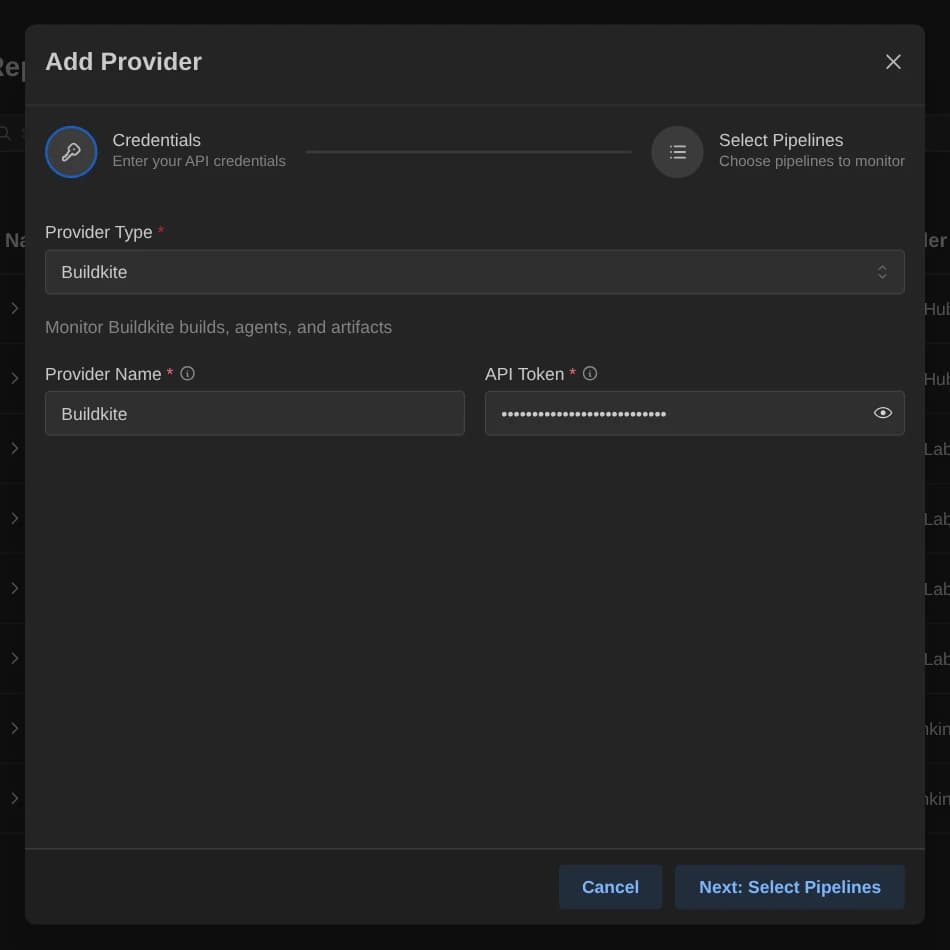
| Key | Type | Required | Default | Description |
|---|---|---|---|---|
token | Password | Yes | None | Buildkite API access token with read_builds, read_pipelines and read_organizations scopes. |
Two more keys go in the config table of the TOML file:
selected_items: Comma-separated entries in the formorg/pipeline-slug. An empty selection shows the errorNo pipelines configured.organization: The organization slug. Every instance needs it.
Base URL
The endpoint is fixed at https://api.buildkite.com/v2. There is no base_url field.
Pipeline discovery
Organizations are the ones the token can see. Discovery lists the pipelines of the chosen organization, or of every organization when none is chosen, with the repository name as description. Pipedash shows the latest build of each pipeline in selected_items. If some pipelines fail to load, the rest still appear.
Buildkite is the only provider that also shows agents and artifacts:
- Agents: name, hostname and status. The status is
busywhen the agent has a job,idlewhen connected without a job anddisconnectedotherwise. - Artifacts: the artifacts of one build.
Trigger parameters
| Name | Type | Required | Default | Description |
|---|---|---|---|---|
branch | String | Yes | main | Branch to build. Pipedash builds HEAD of that branch. |
Cancel
Pipedash cancels the build through the Buildkite API, using the run number as the build number.
TOML example
[providers.buildkite-ci]
name = "Buildkite CI"
type = "buildkite"
token = "${BUILDKITE_TOKEN}"
refresh_interval = 15

[providers.buildkite-ci.config]
organization = "mycompany"
selected_items = "mycompany/deploy-pipeline,mycompany/test-pipeline"
Status mapping
| Pipedash status | Buildkite state |
|---|---|
success | passed |
failed | failed |
running | running, started |
pending | scheduled, creating, waiting, blocked, and any other state |
cancelled | canceled, canceling |
skipped | skipped, not_run |